Rack focus, bokeh and telephoto: the lens words AI video listens to
Which lens and focus words change an AI video clip, which ones it ignores, how to get a real focus pull, and one clip planned from first frame to last.
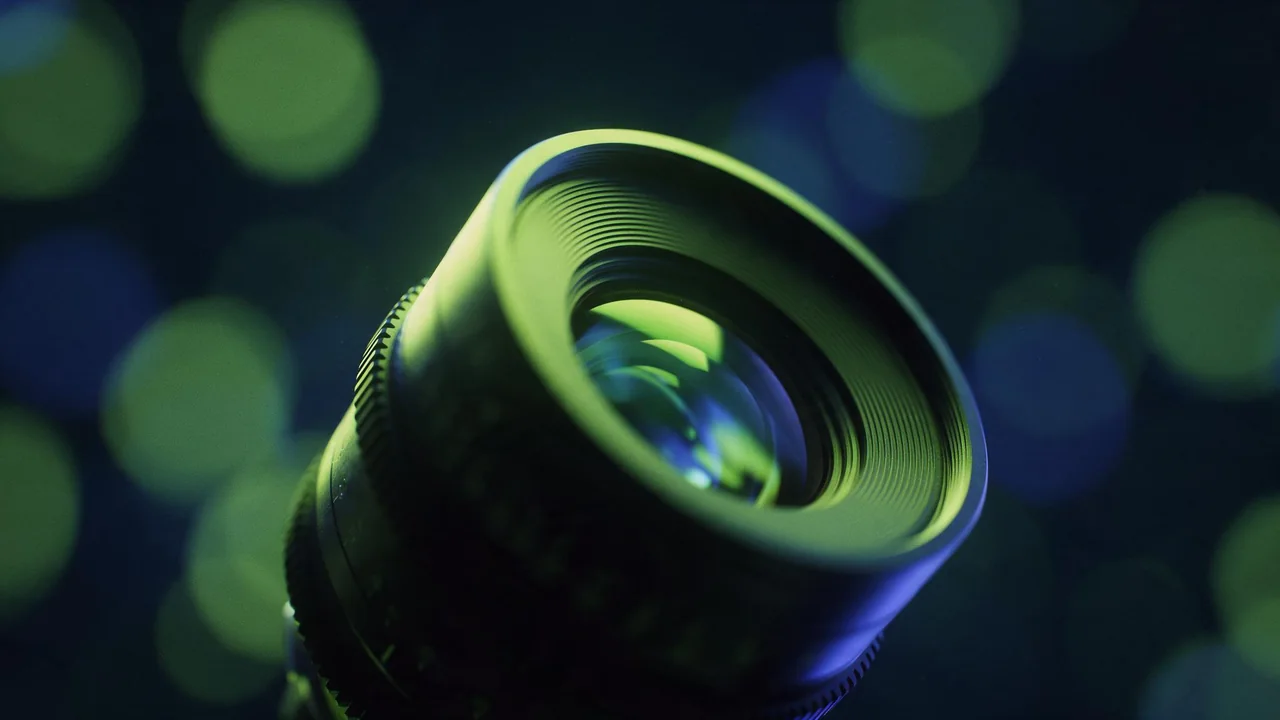
A video model has no glass inside it. It never bends light through a lens; it has only learned what footage labelled with lens words tends to look like. So a lens word works when it names a look the model has seen thousands of times, like a blurred background behind a face, and fails when it names a number a photographer would understand, like an aperture value. Write the look, not the spec sheet.
This post is about the glass: how sharp, how deep, how wide. How the camera travels is a separate job, covered in the camera moves guide. Lens words are cheap to test, so run each one on a short draft first: P-Video-2 text-to-video has a draft toggle for exactly that.
Shallow depth of field
This is the strongest lens phrase there is, and many models apply it even when you did not ask. "Shallow depth of field" works best with distance written into the scene: a subject close to the camera and a background clearly far behind it. Add what the blur should look like, "the background melts into soft bokeh" or "city lights become round blurred discs", and the model has a picture to aim at instead of a term.
Close-up of an old brass compass held in an open palm, the needle trembling. Shallow depth of field: only the compass is sharp, the forest path behind it melts into soft green and gold bokeh. Camera static, late afternoon light.Deep focus
The opposite is harder, because so much of what the models learned from is shot with a soft background. "Deep focus" alone is a weak pull. Spell it out from front to back, "everything sharp from the stones in the foreground to the mountains on the horizon", and drop the style words that drag the blur back in: "cinematic", "film still" and "portrait" all lean toward a soft background. A wide, high view helps too, since nobody expects blur on a landscape seen from a hill.
Wide view of a fishing harbour at noon: ropes and crates on the quay in the foreground, boats in the middle, white houses climbing the hill behind. Deep focus, everything sharp from the nearest rope to the houses on the hill. Camera static, clear air, crisp detail.Rack focus and the focus pull
A rack focus, or focus pull, moves the sharp plane from one thing to another during the shot. The camera moves guide lists it as one of the nine moves; the part that decides whether it works is the setup. Text alone gets you a real pull only some of the time. Three things raise the odds: two named objects at very different distances, a stated order ("sharp on the near one first, then"), and nothing else happening, no camera move and no busy action that the model would rather spend the clip on.
When text keeps failing, show the model both ends. Kling V4.0 image-to-video takes a first and a last frame: give it the scene focused near and the same scene focused far, and it renders the change between them. The worked example below does exactly that.
Wide-angle against telephoto
Lens names do something here, but the description of the effect does more. A wide-angle look means the camera is close and the space is stretched: the nearest object looms large, the room looks deeper than it is, straight lines lean at the edges. A telephoto look means the camera is far away and the space is squeezed: the background looks big and close behind the subject, layers stack flat, and very little of the background fits in the frame.
So write both halves: the lens and what it does to the frame. "Telephoto lens, compressed perspective, a huge setting sun right behind the cyclist" gets you the compression; "telephoto" on its own often just gets a tighter crop. The same goes for distortion. "Fisheye lens, round warped edges" is a look the models know well and tend to respect; "slight barrel distortion" is too subtle to come back reliably.
Telephoto lens from far down the street: a cyclist rides toward the camera, and a huge orange sun sits low right behind her, looking almost as big as the buildings. Compressed perspective, heat haze, the street layers stacked flat. Camera static.Macro
"Macro" is the other strong word. Pair it with a small subject and texture you can name, "water beads on a moth wing", "the threads of a linen cloth", and the model fills the frame with fine detail and a very thin sharp zone. Keep the motion small: at macro scale a tiny move looks huge, so ask for one gentle action, a bead rolling, an antenna twitching, and keep the camera locked.
Words that mostly do nothing
- Aperture numbers such as "f/1.4" or "f/16". At best a faint nudge toward blur or sharpness; say "shallow depth of field" or "deep focus" instead.
- Exact focal lengths such as "24mm" or "85mm". They lean the look a little toward wide or portrait, nothing precise. Keep them only next to a plain description of the effect.
- Brand and lens model names. Mostly ignored, sometimes they pull in a random camera look you did not want.
- "Focus breathing", "chromatic aberration", "lens coating". Too small to survive a generated clip; expect no visible change.
- "Anamorphic". It may bring stretched oval bokeh and long horizontal flares, but it never changes the clip's shape. On models that offer it, the aspect ratio is a setting, not a word.
- "Tilt-shift". Often works on a high view of a town or a railway, where it gives the toy-model look. On a close subject it does next to nothing.
A worked example: one focus pull, planned
The goal: on a kitchen table, a single house key lies sharp in the foreground; at the end of the clip the focus has moved to an open door at the back of the room, where morning light comes in, and the key has gone soft. One move, one beat, no people.
- Test the wording on a draft. Run the motion prompt from step 4 as plain text on P-Video-2 text-to-video with the draft toggle on. If the pull happens, you may not need the two frames at all.
- Make the first frame. Generate the near-focus still with Nano Banana 2.1, using the first prompt below.
- Make the last frame from the first. Open the same still in Nano Banana 2.1 edit and move only the focus with the second prompt. Editing the first frame, not generating a fresh one, keeps the table and the door in the same places, which is what makes the pull read as a pull and not as a cut.
- Render the clip. In Kling V4.0 image-to-video, set the first still as the first frame, the edited one as the last frame, and use the third prompt. If the model offers a choice of length, pick a short one: a focus pull is one beat, and a long clip invites the model to add events.
- Check the middle. Scrub to the middle of the clip. If the room changes shape or the key moves, make the edit prompt stricter about what stays, and render again.
A brass house key lying on a pale wooden kitchen table, very close to the camera and in sharp focus. Behind it, out of focus, an open door at the far end of the room with soft morning light. Shallow depth of field, low angle at table height, quiet and still.Keep everything in the picture exactly where it is. Move the focus to the open door at the back: the door frame and the morning light are now sharp, and the key in the foreground is soft and blurred.Rack focus: the shot starts sharp on the key in the foreground, then focus slowly pulls back to the open door, and the key softens into blur. Camera completely static, nothing in the room moves, only the focus changes.What the studio cannot do
No model form here has a lens, aperture or focus control, and there is no way to refocus a clip after it is rendered: no depth map to edit, no focus point to click. Everything on this page is decided at render time by the words and, on models that take them, the frames you supply. Check what each model accepts on its page in the catalog. To change the focus of a finished clip, render it again.
Lens words also stack with the rest of the prompt. A rack focus inside a dolly move, or macro on a splash in slow motion, asks the model to do two hard things at once; get each one working alone first. The timing words post and the water, smoke and cloth post cover the other half of those pairings, and the draft, lock, finish workflow shows how to keep a wording once it works.
Questions
Can I type a focal length like 35mm or 85mm?
You can, but it is a weak hint. Describe what the lens does to the frame: a wide look with stretched space and a looming foreground, or a telephoto look with a flat, compressed background close behind the subject.
Why is my background blurred when I never asked for it?
Many models default to a soft background on close subjects, and words like "cinematic" or "portrait" push further. Ask for deep focus, name the far objects that must stay sharp, and widen the view.
Can I change the focus of a clip I already rendered?
No. There is no refocus or depth tool here. Render it again with new focus words, or with a first and a last frame on a model that takes both.