Nine camera moves for AI video, and the words that get them
A field list of nine camera moves, from the locked-off frame to the match cut, with the plain words that make a video model perform each one on the first take.
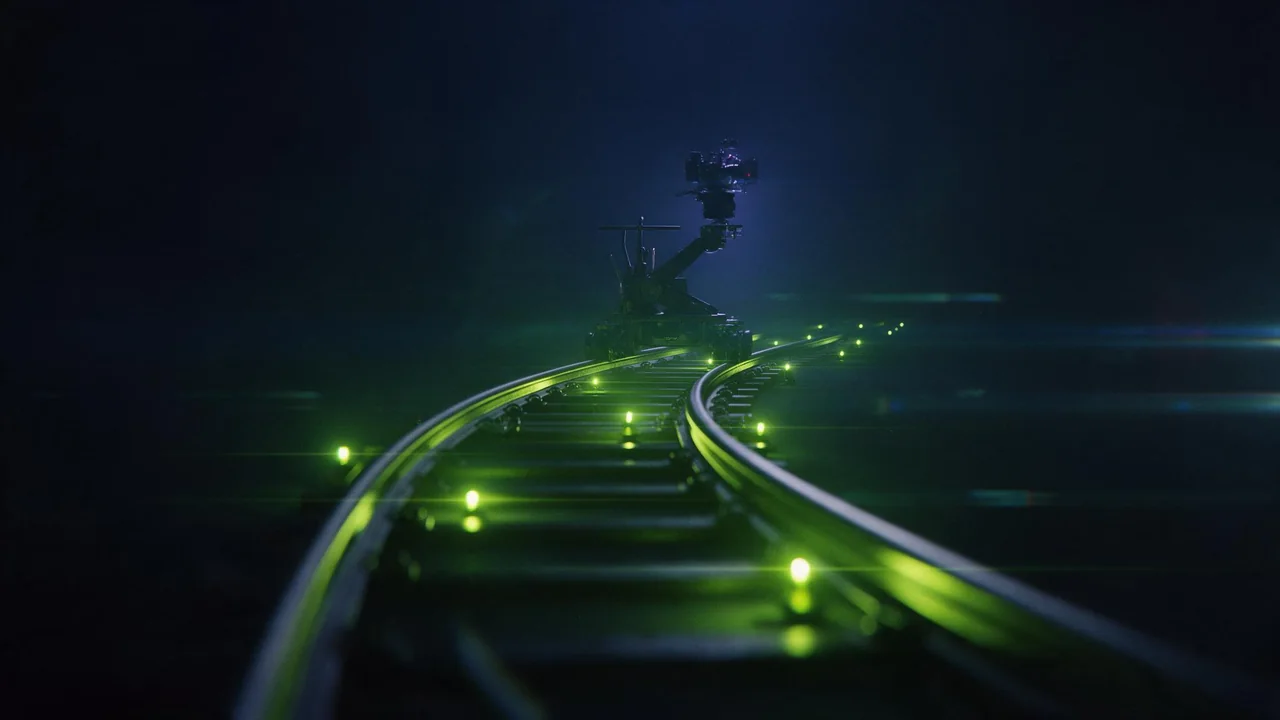
A video model has no idea where the camera is unless you say so. Leave it out and you get the default: a vague drift toward the subject, which is fine for a cloud and wrong for almost everything else. Camera language is the cheapest control you have, because it costs nothing but a sentence.
Below are nine moves, ordered from the one you will use most to the one that needs two pictures. Each comes with the wording that tends to work, in the order a director would say it: the move, then what it does to the frame. Try them on a short, cheap clip first. P-Video-2 text-to-video has a draft toggle for exactly that, and Kling V4.0 text-to-video is the one to finish on when the move reads right.
The nine
1. Locked-off
Say "static camera, locked on a tripod". It sounds like doing nothing, but it is the move that makes everything else in the frame look intentional, and it is the safest choice for a loop. If a clip keeps wobbling, add this and the wobble usually goes.
2. Slow push-in
"Slow dolly in" is the workhorse. Name where it ends, not just that it moves: a push that finishes on a face, a hand or a label reads as a decision.
Locked frame on a ceramic mug of black tea on a windowsill. Slow dolly in over the whole clip, ending on the steam curling off the rim. Soft overcast light, shallow depth of field.3. Pull-back reveal
The reverse, and the better storyteller. Start tight on a detail, pull back, and let the viewer learn where they are. Write the first and last framing explicitly: "starts on a close-up of the lantern, pulls back to show the empty pier".
4. Orbit
"Camera arcs slowly around the subject, keeping it centered." Ask for a modest arc, a quarter turn or less. Models are good at the front and sides of an object and invent the back, so a full circle is where the subject quietly changes.
5. Pan and whip pan
A pan turns the camera on the spot; say "pans left to right" and name what it lands on. A whip pan is the same with speed and motion blur, useful as a hard cut between two ideas inside one clip.
6. Tilt and crane up
"Tilts up from the boots to the skyline" and "crane rises above the rooftops" both give scale. They work best on tall, simple subjects. Busy foregrounds make the model reshuffle things as the frame climbs.
7. Handheld
"Handheld, slight shake, documentary feel." Use it for energy or realism, and say "slight": unqualified, the shake turns into a wobble that drags the subject with it.
8. Rack focus
The sharpness shifts from one object to another, which gives a still scene a beat. Describe both ends.
Two paper cranes on a workbench, one near the lens, one far behind. Rack focus: sharp on the near crane at the start, then focus slowly shifts to the far crane. Camera static.9. Match cut
Two different scenes with the same shape in the same place in the frame: a spinning coin becomes a ceiling lamp. Text prompts struggle with this, so make both frames as pictures and use a model built for it. PixVerse C1 transition takes a first and a last image plus a prompt describing the change between them.
The spinning silver coin dissolves into a round ceiling lamp, the same circle in the same place in the frame. Camera locked, smooth, no cut.Rules that save takes
- One move per clip. A dolly in and an orbit and a tilt is three takes asking to be one. Cut between clips instead.
- Speed words matter. "Slow", "gradual" and "steady" calm a clip down more than any negative prompt does.
- Name the destination. A move without an end point drifts. A move that ends on something lands.
- Keep the subject simple. One mug, one lantern, one crane. Moves are about the camera; do not give the model a second job.
- Draft first. Find the move on the cheap pass, then spend on the clean one.
Where this breaks
Models do not hold a physical camera. A complex move can come back as a slightly different move, an orbit can drift into a push, and two moves in one sentence often become one muddled move. Treat the words as a strong suggestion and plan to reroll. Fast, intricate moves are where it fails most, so if a shot needs real choreography, build it from two simple clips and cut.
Questions
Do camera words work in image-to-video too?
Yes, and often better, because the first frame already fixes the subject and the model only has to decide how the camera behaves. Keep the prompt to the move and the motion; do not describe the picture again.
Why does my orbit turn into a push-in?
Orbits are hard to read from a single sentence. Shorten the arc, add "keeping the subject centered", and try a smaller subject in clear space. If it still drifts, shoot it as a pan between two clips.
Can I get sound with the clip?
Some video models generate audio by default and let you switch it off. Check the options on the model's own page before you render.