Write a shot list before you generate AI video
A short shot list saves more renders than any prompt trick: how many shots, one idea per clip, a camera note each, the order, and a retry budget.
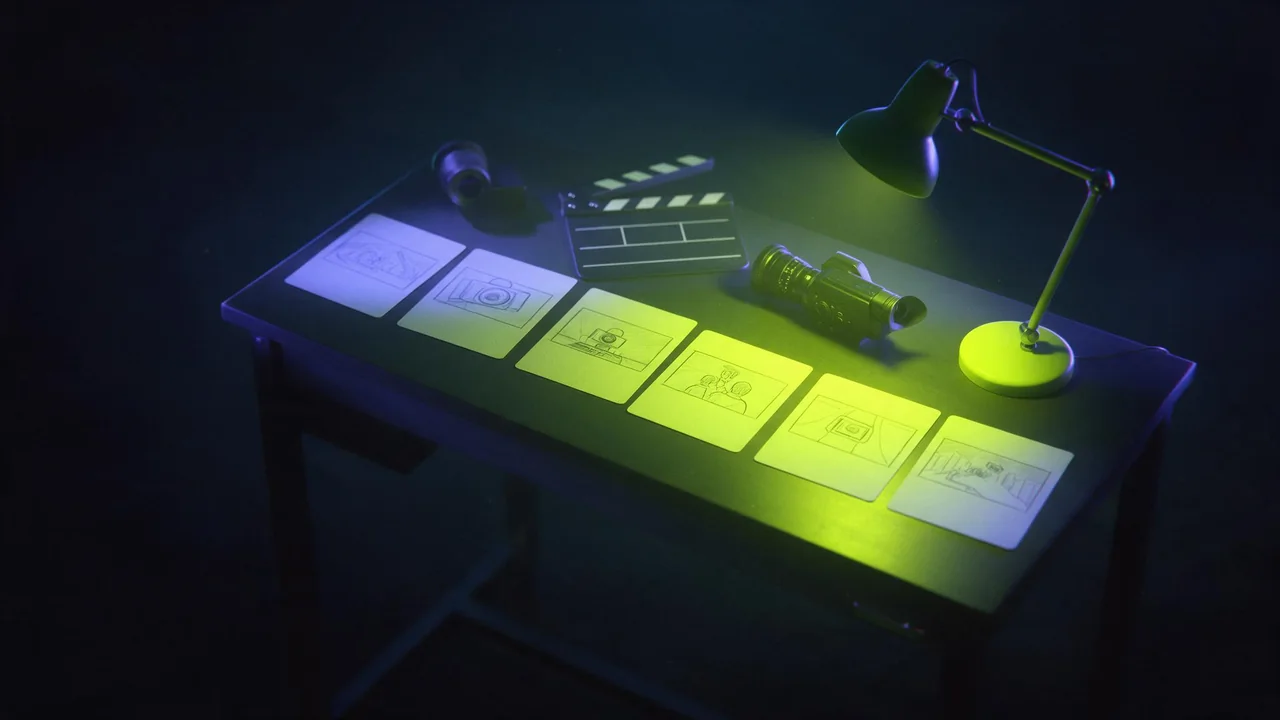
Nobody plans a shot list for a clip that renders while you wait, and that is exactly why people burn so many renders. The cost of a video model is not the clip you keep. It is the eleven you made while working out what you wanted. A shot list moves that thinking onto paper, where it is free.
This is not film school. It is a note you can write before opening a model page, and it has five parts.
1. Count the shots first
A single generated clip tops out at 30 seconds on the longest model, and most of what you will actually use is shorter. So a piece of any real length is not one prompt, it is a handful of clips cut together. Write the number down before anything else. If the count surprises you, the idea is too big for one sitting and you should cut it, not stretch it.
A useful rule of thumb: plan around 5 seconds a shot. Short enough that the model rarely loses the thread, long enough to hold a clear action.
2. One idea per clip
The most common failure is a prompt that contains a plot: the woman opens the door, walks in, sits down and smiles. The model will honour one of those verbs and blur the rest. Give each clip a single thing that happens, and let the cut carry the story between clips.
- Bad: a fox runs through the forest, jumps a log, stops and looks back.
- Better, as three shots: the fox runs, the fox leaps the log, the fox stops and looks back.
Yes, that is more clips and more renders. It is also three clips that each work, instead of one that nearly does.
3. A camera note and a motion note for every shot
Each line of the list gets two short phrases: what the camera does, and what the subject does. If you cannot fill in both, the shot is not ready. Keep them separate, because they fail separately: a good subject move with a drifting camera is a prompt fix, and the other way round is a different fix.
Shot 2 of 6. Camera: low angle, static. Motion: the fox leaps a mossy log from left to right, landing out of focus. Light: low gold morning sun through trees.The wording that works for camera moves is in nine camera moves for AI video, so your list can borrow it instead of inventing it.
4. Order for the cut, then for the work
The order of the finished piece and the order you should generate in are not the same. Do the hardest shot first. If the shot with the fast action or the tricky subject will not come out, you want to know before you have polished five easy ones around it. Do establishing shots and quiet inserts last: they are cheap to get and easy to replace.
For continuity, make one still of your subject and start every shot from it as an image-to-video clip. That is the most reliable way to keep a face, a coat or a colour the same across shots. A text-only prompt tends to give you a new fox every time.
5. Budget the retries, in writing
Every model page shows its starting price before you press the button, so a plan can have a number in it. Count your shots, assume each one needs about three tries, and you know roughly what the piece will cost before you spend anything. Then spend the tries in a sensible order.
- Draft each shot with P-Video-2 and its draft toggle on. Two or three runs, a different seed each.
- Keep the take whose motion is right and note its seed on the shot list.
- Render only the keepers at full quality. The shots you dropped never cost you a full render.
The method is the same as in a draft, lock, finish workflow, applied to every row of the list instead of one clip.
Shot 5 of 6. Camera: slow push-in. Motion: the fox pauses and turns its head toward the camera. Light: soft dusk, mist behind. Same fox, same fur colour as shot 2.What a list does not fix
Be realistic. A shot list gives you control over the plan, not over the model. Clips will still differ in light and grain from one to the next, and a character will drift a little even from the same still. Cut on motion, use a consistent grade in your editor, and keep the shots short enough that the seams hide. The studio makes clips; assembling them into a finished film happens in whatever editor you already use.
When the list is ready, open the models page, pick the one that fits shot one, and start with the hard one.
Questions
How many shots should a short video have?
Divide the length you want by the length of a typical clip. With about 5 seconds a shot, a short piece comes to a handful of shots, and fewer is almost always better.
Should I plan in text or with pictures?
A line of text per shot is enough. If a shot depends on a particular look, make the still for it first and plan the motion around that picture.
How many retries should I budget per shot?
Plan on about three drafts per shot, and a full-quality render only for the take you keep. If three drafts fail, change the shot, not the seed.