Transitions between AI video clips: cut, dissolve or bridge
Join two AI video clips so the seam disappears: match the last and first frame, share one motion or colour, choose cut or dissolve, and prompt a bridge shot.
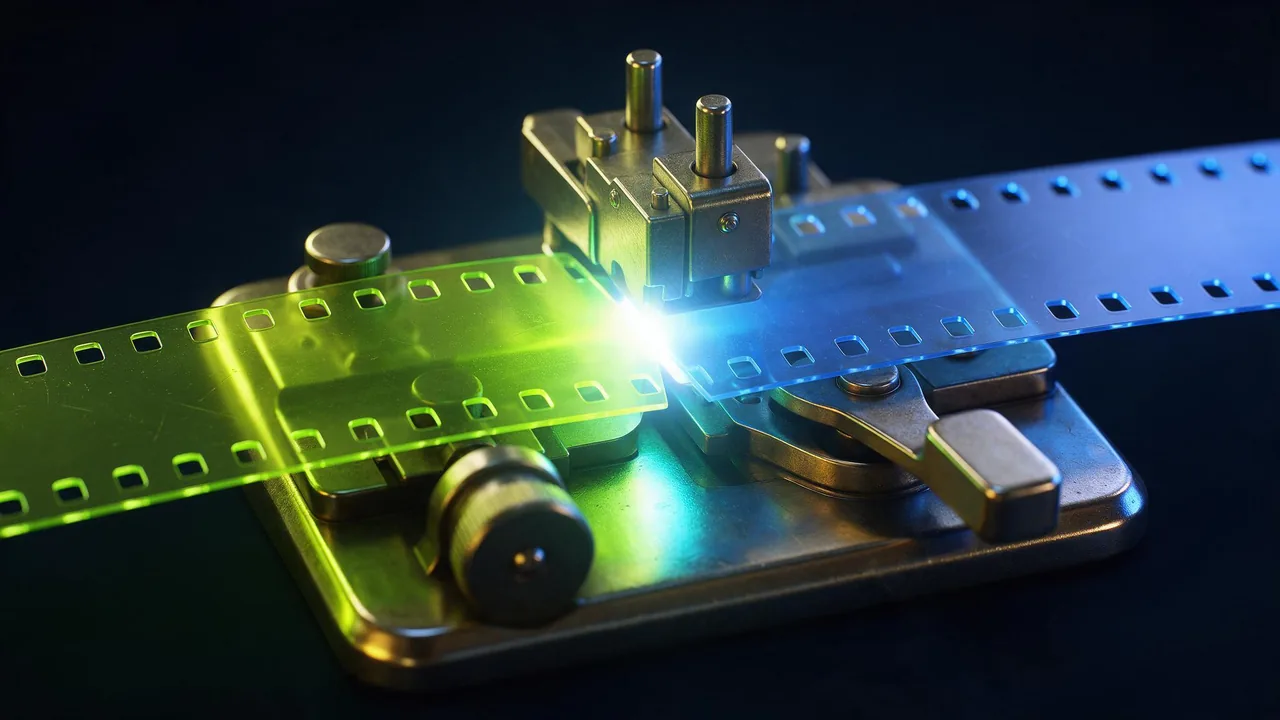
Two good clips do not make a good sequence. The seam between them is where a viewer notices the machinery: the light jumps, the subject slides across the frame, the speed changes. The fix is rarely a fancier effect. It is choosing what happens at the join before you generate either side of it.
This post is only about that join. Keeping a character the same is in one character across clips, and the order of shots is in the shot list. Here we assume you have clip A and clip B and need them to meet.
First decide: cut, dissolve or bridge
Three joins cover almost everything, and each one asks for different preparation.
- Hard cut. The last frame of A is simply followed by the first frame of B. It is the cheapest, it feels modern, and it forgives almost everything if the two frames share something (see below). Use it when the place or the time changes.
- Dissolve. B fades in while A fades out over a handful of frames. It hides small differences in light and pose, but it also looks soft and dated if used on every join. Use it for a passing of time or a change of mood, and only once or twice in a piece.
- Bridge shot. A third, short clip whose job is to carry the eye from A to B: a hand passing the lens, a doorway, a pan across a wall. Use it when a cut would be a jump and a dissolve would be mush.
A cut and a dissolve are made in your editor, not in the studio. Only the bridge needs a generation, and it is worth a cheap draft before you commit.
Match the last frame to the first
The strongest cut is one where the eye finds the same thing in the same place on both sides. Before you generate B, look at the end of A and ask what is in the frame: where the subject sits, how big it is, which way it faces, where the brightest area is. Then make B open with those answers.
- Export a calm frame from the end of A, a few frames before the last one, since the very last can be soft or caught mid-blink.
- Use it as the first frame of B on an image-to-video model, so position, light and colour carry over by construction.
- Describe in B's prompt only what changes: the new action and the new camera. Do not re-describe the frame; the picture already says it.
- If B must start somewhere else, keep two things from A and change the rest. The subject's screen position and the dominant colour are the two the eye notices first.
When you know both ends in advance, a start-and-end model can make the whole move for you. Vidu Q3 start-end-to-video takes a first and a last picture and fills the clip between them, which is a bridge in a single run. Compare the other options on the models page.
Share one motion across the cut
Editors call it a match on action: A ends in the middle of a movement and B continues the same movement in another place. The eye follows the motion and forgets the cut. It suits AI clips because you only have to agree on a direction and a speed, not on every detail.
- Same direction. If the subject moves left to right at the end of A, B should start with movement left to right, even in a different place.
- Same speed. End A and start B with the same pace word, for example "slowly" in both. A slow clip followed by a hurried one reads as a mistake.
- Same camera move. A push in on A and a push in on B feels like one gesture. A push in followed by a pull back feels like a stumble. Camera moves lists the plain words for each.
- A shape that rhymes. A round lamp at the end of A and a round moon at the start of B is a classic match cut. Put the shape in the same spot and at the same size in both frames.
A paper boat drifts from left to right across a puddle on a rainy street, slowly. Camera: steady, low, at the level of the water. Soft grey overcast light.A real sailing boat glides from left to right across a calm grey sea, slowly. Camera: steady, low, at the level of the water. Soft grey overcast light.Share one colour when nothing else matches
If the two places have nothing in common, a colour will carry the join. Take the dominant colour of A's last frame and make it the dominant colour of B's first frame: an orange sunset ending A, an orange lamp opening B. A shared blue or a white flash works too. Dark is the safest of all. A clip that fades to near-black and a clip that opens from near-black meet without a visible mismatch, which is the dip to black your editor does in one click.
Keep the direction and warmth of the light consistent as well. Two clips of the same subject can still look unrelated if one is lit warm from the side and the other cold from above. If the light has to change on purpose, light changes without flicker has the words, and the cut is the best moment to make the change.
What to prompt for a bridge shot
A bridge is short. It should start on what A ended on and end on what B starts with, and say nothing else. The best bridges are physical, not magical: something passes in front of the lens, the camera moves through a gap, the subject turns away.
- The wipe by an object. A dark coat, a hand or a leaf crosses the lens and fills the frame, and B begins as it leaves. Cut at the moment the frame is full.
- The move through. The camera pushes through a doorway, a window or a gap in a hedge, and B starts on the other side.
- The pan between. The camera swings fast to one side, blurring the frame, and settles on B's first scene.
- The turn away. The subject turns their back or looks off-screen, and B opens on what they were looking at.
A dark wool coat sleeve sweeps across the lens from right to left and fills the whole frame for a moment, then moves on to reveal a bright kitchen. Camera: locked off. Warm morning light.Trim a bridge to the shortest piece that does the job; most of the clip will be cut anyway. The studio can make a clip up to 30 seconds long, which is far more than a bridge needs, so test the idea on a cheap draft first. Draft, lock, finish is the right way to do it.
Fix the seam in the edit
Two small edits help almost every join. First, trim both clips: AI clips often drift in their first and last moments, so cut a few frames off each end and join the steadiest parts. Second, add a very short crossfade only when a hard cut shows a small jump in light, as short as your editor allows, so that it still reads as a cut. If the clips come out at different sizes, upscale the smaller one or crop both to the same frame before joining.
What the studio cannot do
It does not build transitions for you. There is no morph-into-the-next-clip button, no dissolve or wipe effect and no timeline: each clip is generated separately and joined in your own video editor. A start-and-end model can interpolate between two pictures, but it guesses the path, so the middle can be odd, especially when the two pictures are very different. And a bridge will not repair a mismatch of light or speed that is already in A and B; you fix that by regenerating, not by dissolving.
Questions
How do I make a smooth transition between two AI video clips?
Use a calm last frame of the first clip as the first frame of the second, keep the same direction, speed and light words, and cut. If the places are very different, share one colour or one shape across the join, or add a short bridge shot.
Should I use a cut or a dissolve between AI clips?
A cut is the default and hides most differences when the frames match in position, direction or colour. A dissolve softens a change of time or mood, but it looks dated if overused. Both are made in your video editor.
What do I prompt for a bridge shot between two clips?
Describe a simple physical event that starts where the first clip ended and finishes where the second begins, such as a coat sleeve crossing the lens, the camera moving through a doorway or a fast pan. Keep it short.
Can the studio add transitions automatically?
No. Every clip is generated on its own and you join them in an editor. A start-and-end model can fill the gap between two pictures, but it guesses the path, so check the middle before you use it.