Light that changes inside an AI video clip, without the flicker
Day to night, a candle, a neon sign, headlights on a wall, a cloud over the sun: the words that give a smooth light change and the ones that make it strobe.
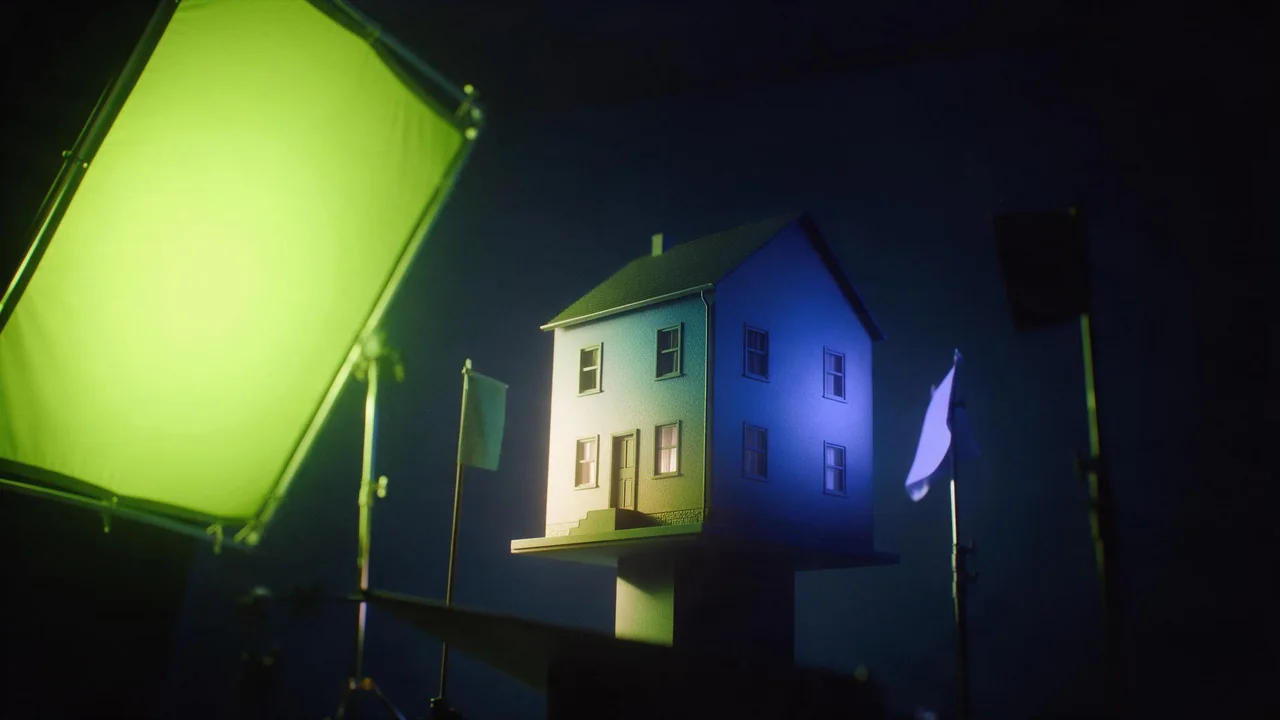
Ask a video model for a lamp that turns on, and you often get a lamp that turns on, off, half on and on again. Ask for a sunset, and the sky may pulse brighter and darker like a bad fluorescent tube. The model is not broken. It decides the brightness of every frame from your words, and if the words leave room for more than one lighting state, it keeps trying them.
So the job is to leave it exactly one change to make: one light source, one direction, one speed, and a clear state at the start and at the end. Below are the words that do that, the words that undo it, and five common light changes written out as prompts you can copy.
Smooth words and strobe words
Words that ask for one smooth change:
- "Gradually", "slowly", "steadily" next to the light verb: "the room gradually darkens".
- A start and an end state: "from warm afternoon light to blue dusk".
- "Over the whole clip", which spreads the change across every frame instead of a jump in the middle.
- One named source: "the only light is the candle", "lit only by the neon sign".
- "Soft", "diffuse", "even" for light that should stay calm while something else moves.
Words that invite flicker or strobing:
- "Flickering", "flashing", "strobe", "blinking" anywhere in the prompt, even about a minor object. The flicker spreads to the whole frame.
- "Dramatic lighting" and "moody lighting" with no source. The model keeps re-deciding where the drama comes from.
- Several light sources that all change: "lightning, candles and a TV glow". Each one pulls the exposure its own way.
- "Changing light" or "shifting light" with no direction. It reads as noise, not as a change.
- Plurals of events: "cars pass" gives a stream of sweeps; "one car passes" gives one.
Day to night
The biggest change, and the one most likely to pump. Fix the camera, keep one subject that does not move, and describe the sky and the artificial lights as two separate steps: the daylight fades first, then the lamps come on. If you also want clouds racing and shadows sweeping across the ground, that is a timelapse and has its own wording in the timing words guide.
A quiet harbour with a red fishing boat at a wooden pier, camera locked. Over the whole clip the light gradually changes from golden late afternoon to deep blue dusk, then the pier lamps switch on one by one and stay on. Calm water, no wind.A candle flame
A candle should move, but only a little, and only the flame. "Flickering candle" is the trap: it often makes the whole room blink. Say the flame sways gently and the light on the walls stays soft and warm. A candle in a still room is also the best test of a model: if the walls pulse, try another model before you blame the words.
Close-up of a single white candle on a wooden table in a dark room, the only light source. The flame sways gently in a slight draft; the warm glow on the table and the wall stays soft and steady. Camera static.A neon sign pulsing
Here you want a rhythm, and rhythm is where strobing hides. Ask for a slow pulse and describe what it lights: "the pink reflection on the wet pavement brightens and fades with it". Tying the reflection to the sign keeps the model from inventing a second, unrelated flicker. A sign with no lettering, just a shape such as an arrow or a heart, also avoids garbled letters.
Headlights sweeping a wall
Write it as a single event with a direction: "one car passes outside; its headlights sweep across the bedroom wall from left to right, then the room is dark again". Give the room a dim base light, moonlight or a small lamp, so the frame does not go fully black after the sweep. A black frame invites the model to brighten again, which reads as a second car.
A cloud passing the sun
The light dims and returns, and the hard part is the shadow edge moving across the ground at one steady speed. Name the shadow, say which way it travels, and say the light returns at the end.
A sunny meadow with a single oak tree, camera locked. A cloud drifts over the sun: its soft shadow slides across the grass from right to left at a steady pace, the scene dims, then the sunlight returns. One cloud, no other changes in the light.Pin the light with a start and end frame
Words decide how the light travels; frames decide where it starts and stops. Generate the scene as a still in daylight, then the same scene at night with an image edit, and give both to a model that takes a first and a last frame, such as Kling V4.0 image-to-video or Vidu Q3 start-end-to-video. The prompt then only has to describe the change in between: "the daylight gradually fades and the lamps come on". Keep the two stills identical apart from the light, or the model will move the furniture too.
Draft the light change on a short, cheap clip first, then spend on the long one; the draft, lock, finish workflow walks through that. Every model and what it accepts is listed in the catalog.
What the studio cannot do
There is no deflicker filter and no relight slider here. Nothing evens out the brightness of a clip after it is rendered, and you cannot keyframe a light by hand. A video edit model such as Kling O3 Pro video edit takes a clip and an instruction like "change daytime to dusk", but it renders a new clip; it is not a filter, and it can bring its own flicker. If a render pulses, the fix is new words or another model, then a new render.
Questions
Why does my AI video flicker when I did not ask for it?
Usually the prompt allows more than one lighting state: no named source, several changing lights, or a word like "dramatic" with nothing behind it. Name one source, one change and its direction.
How do I make a smooth day to night transition?
Lock the camera, say "over the whole clip" and "gradually", let the daylight fade before the lamps come on, and if the model takes a last frame, give it the same scene at night.
Can I remove flicker from a clip I already rendered?
Not here. There is no deflicker or relight tool, so render it again with calmer light words, a start and end frame, or another model.